Features

From photo to pattern,
a tool for every step.

From photo to pattern, from pattern to ironed finish, building solo or as a family — every step has its tool.

01

Generate it

Photo in, pattern out
Smart pixelation engine

Core feature

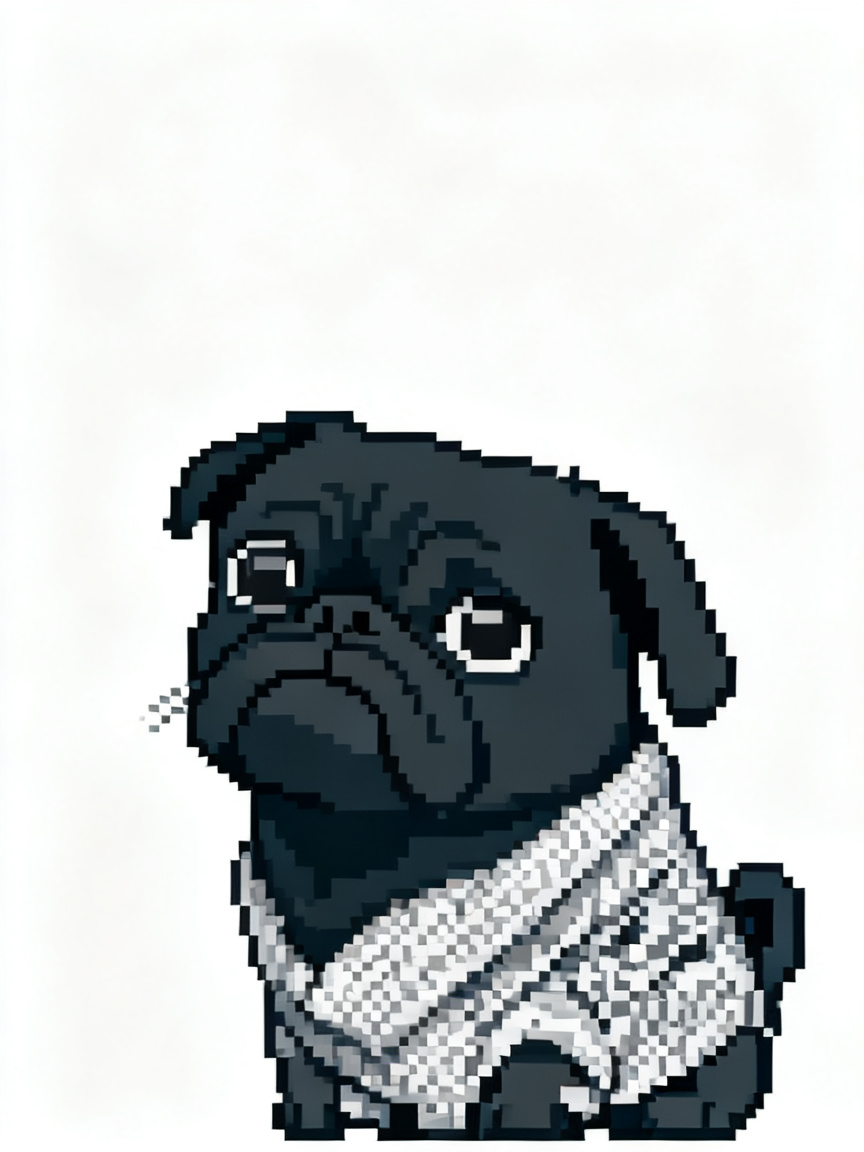
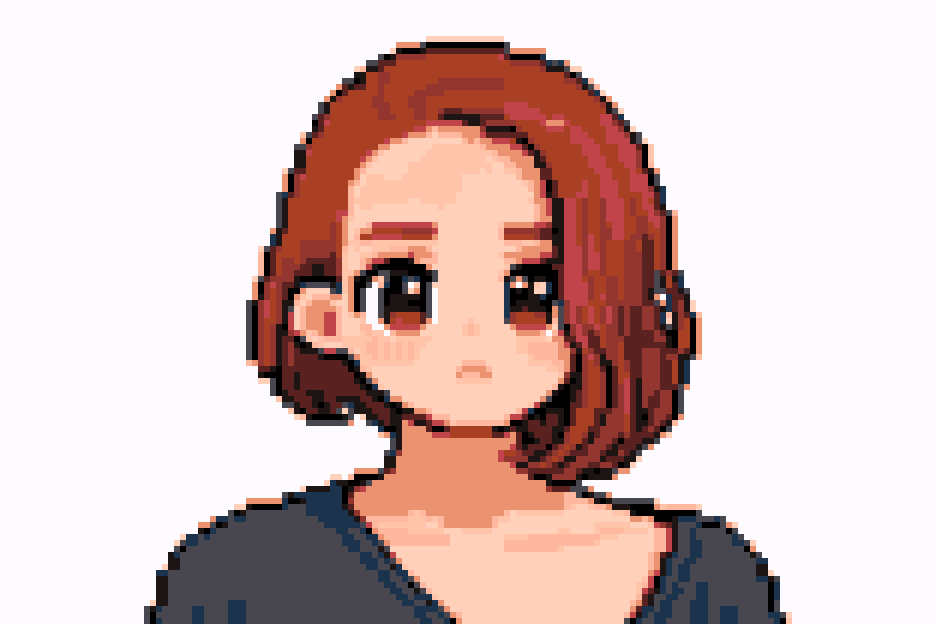
Drop in a photo: it is split into a grid, each cell’s dominant color matched to the nearest bead code — codes printed right on the pattern.

  • Sliders for grid size and color-merge threshold, live preview
  • One-click de-noise: stray colors merge into the nearest kept color
  • Codes printed on the pattern — no color card needed while building

Leave It to Peko

Member feature

Three-card magic: style makeover, makeover + white background, background eraser. Hand Peko the photo, get a better one back.

  • Zero input: pick a card, confirm — no prompts to write
  • Makeovers use a flat, few-color style that pixelates cleanly
  • Prompts live server-side; monthly quota for members
02

Map & print prep

Codes, editing, mirror, tiling

A01A02A03A04A05A06A07A08A09A10
MARDCOCO漫漫

Multi-brand codes & custom palettes

Core feature

291 standard bead colors built in, across 5 major code systems. Switch systems and every label updates automatically.

  • One-tap switching between 5 code systems
  • Custom palettes — show only the colors you own
  • Color exclusion: drop unwanted colors, auto-replace with the nearest match
  • Per-color usage counts tallied automatically; exports include a stats sheet

Manual editing mode

Core feature

Not happy with the auto result? Edit cell by cell like pixel art. Brush, eraser, eyedropper and color replace included.

  • Brush paints cell by cell
  • Eraser clears areas
  • Color replace swaps everywhere at once
  • Magnifier for precise local edits

Mirror flip

Core feature

Boards are ironed face-down, which flips the image. Mirror the pattern in one tap so the final piece faces the right way.

  • Horizontal / vertical mirror
  • Instant, never touches color data
TL
TR
BL
BR

Large pattern tiling

Member feature

Patterns bigger than your board are split into tiles automatically. Print, build and join them piece by piece.

  • Custom tiling layout
  • One-column overlap for easy alignment
  • Position labels included
03

Iron the finished side

Twelve styles, each matched to real photos

Iron Studio

Core feature

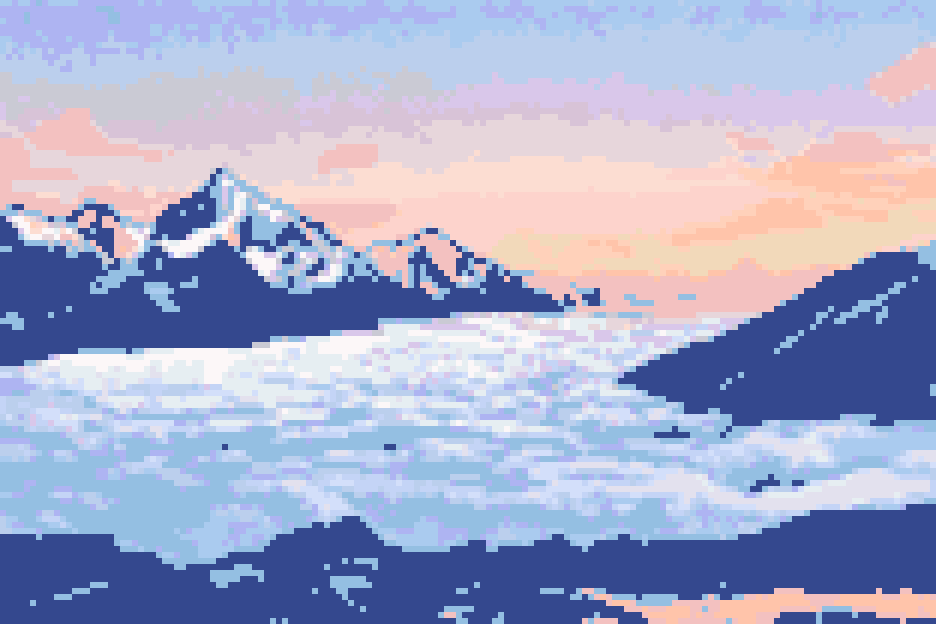
After building, run it through the iron studio: 12 ironing styles render the melted, finished-bead look.

  • 12 styles — gloss, glitter, waffle, towel weave — each calibrated against real photos
  • Light computed per bead bump: beads fuse, edges round
  • Paper-iron-peel ritual, then fullscreen viewing; saved & share cards carry the style
  • Four member styles: glitter, pearl, ceramic glaze, velvet
Standard01 / 12
04

Solo, or as a family

Focus, co-build, publish

Focus building & co-build

Family plan only

Immersive building: per-color highlighting, placement sounds and Peko company; share to the family group and build one pattern together.

  • Per-color highlight + suggested order, progress tracking with a finish celebration
  • Family share: placements sync live, the cell just placed glows in its seat color
  • Focus co-build: one starts a session, everyone present is invited in
PatternIroned
128156×104 · 20

Community wall

Core feature

Publish patterns to the wall: show finishes, collect reactions, see how others build.

  • Pattern ⇄ ironed dual view on every post
  • Emoji reactions and view counts — good work gets seen
  • Every sample on the home wall is generated by Peko

The things you love deserve to be hand-built.

Free to start — upgrade if you love it.

Start creating